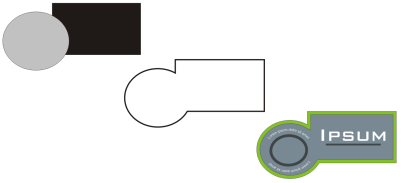
| • | To create a boundary around selected objects |
| To create a boundary around selected objects |

|
| 1 . | Select the objects that you want to surround with a boundary. |
| 2 . | Click Object  Shaping Boundary. Shaping Boundary. |
| In the Classic workspace, this command appears under the Arrange menu. |

Not all suite components documented in this Help are available in our Trial, Academic, and OEM versions. Unavailable components may include Corel applications, product features, third-party utilities, and extra content files.
Copyright 2017 Corel Corporation. All rights reserved.
