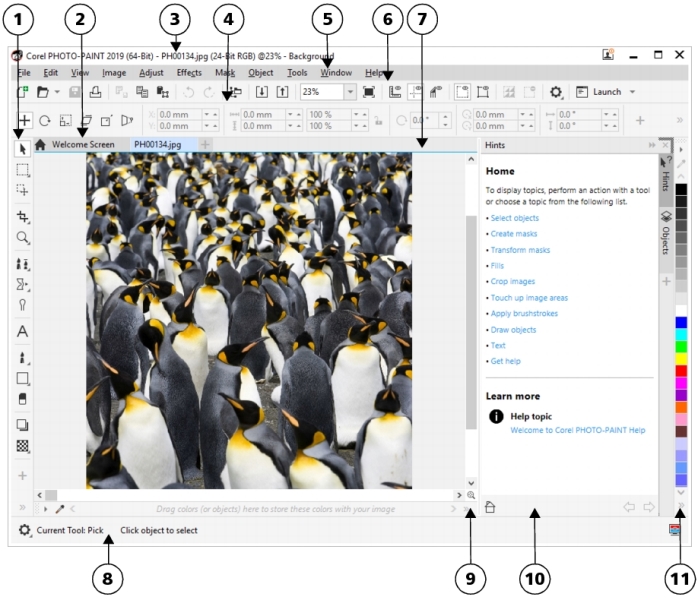
The application window appears below.
|
6. Toolbar (standard)
|
|
|
Provides access to additional commands and image information. Some dockers provide a visual display area.
|
|
|
11. Color palette
|
You can customize many of the elements in the application window to suit your workflow. For information about customizing Corel PHOTO-PAINT, see Customize Corel PHOTO-PAINT.

The features documented in the Help are available in the full version of CorelDRAW Graphics Suite 2019. Some features may not be available in this version of the product.
