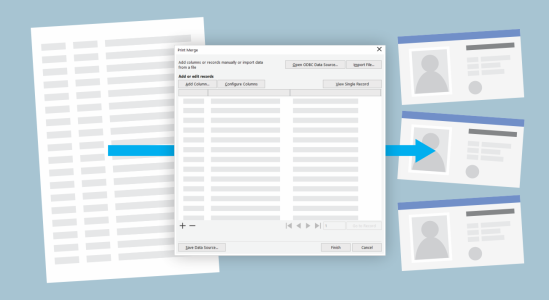
Increase your productivity with the performance enhancements and high-caliber, yet intuitive, new features of CorelDRAW Graphics Suite 2019.
Enhanced! Digital asset management
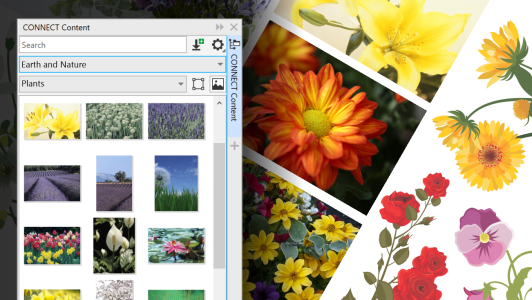
The way users interact with design assets has undergone a complete overhaul in CorelDRAW Graphics Suite 2019. When working with images, clipart, fills, templates, fonts and more, totally redesigned UI helps boost your productivity and deliver improved performance. A streamlined interface allows you to use, create, and find what you’re looking for faster than ever. You can download new packs, add your own library, easily migrate an asset collection anywhere, and modify asset properties — all within the suite. What’s more, the new Content docker provides a central location where you can search, and browse vector and raster images, as well as access more graphics. For more information, see Creative tools and content.
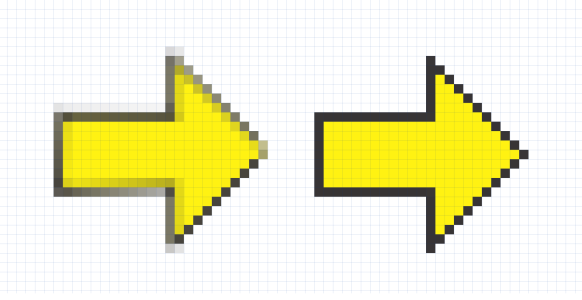
You can work faster than ever thanks to performance enhancements.
CorelDRAW Graphics Suite 2019 offers a greater variety of ISO-compliant PDF/X export options. New support for PDF/X4 helps ensure easy output of files that are compatible with the widest range of devices and compliant with the latest print-industry standards.

The features documented in the Help are available in the full version of CorelDRAW Graphics Suite 2019. Some features may not be available in this version of the product.
