You can adjust the appearance of an object by changing the characteristics of its edges. You can blend the edges of an object with the background by feathering, defringing, and removing black and white edges. To emphasize a certain object in an image, you can sharpen its edges. You can also customize the object marquee.
An object created from an editable area sometimes includes stray pixels along its edges. This is apparent when the editable area is surrounded by pixels of a different brightness or color. Defringing replaces the color of the stray pixels with a color from the object so that the object blends with the background.
Linear — changes the edge transparency in even increments from the beginning to the end of the feathered section
•
Curved — results in small transparency increments at the beginning of the feathered edge, larger transparency increments in the middle, and small transparency increments at the end
Open the Object marquee color picker, and click a color.
When you change the threshold value of the object marquee, the area enclosed by the marquee changes, but the object itself does not change. Pixels that are not completely opaque can lie outside the marquee even though they are still part of the object.
The features documented in the Help are available in the full version of CorelDRAW Graphics Suite 2020. Some features may not be available in this version of the product.
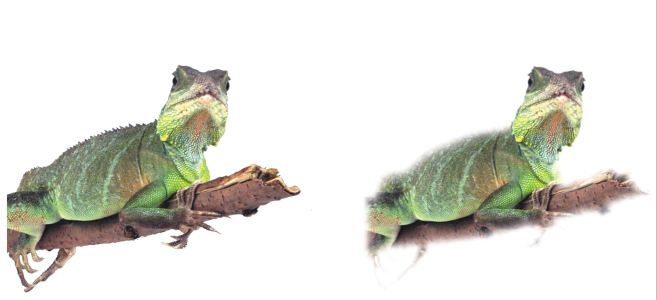
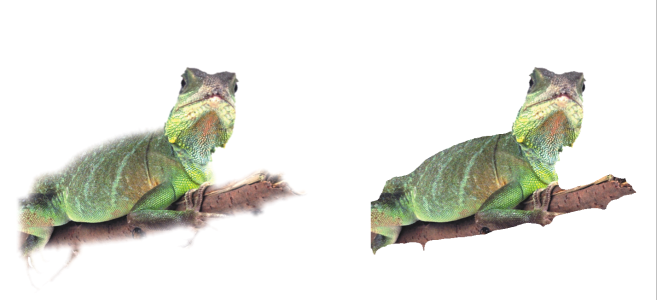

 Feather.
 button.
 in the Objects docker (Window
  on the property bar.
 on the standard toolbar. If the standard toolbar is not displayed, click Window


