The redesigned Find and Replace docker in CorelDRAW 2020 offers an expanded search range so you don’t have to do multiple sweeps in the same file. There are also powerful new time-saving options for simultaneously finding and replacing the color or color model of an outline or fill, including mesh fills.
New! Non-destructive effects in Corel PHOTO-PAINT
The new Effects docker in Corel PHOTO-PAINT 2020 makes it easy to apply, modify and experiment with effects, all without altering the source object. Get different looks by adding multiple effects, reordering them in the list or toggling them on or off. For more information, see To work with non-destructive effects.
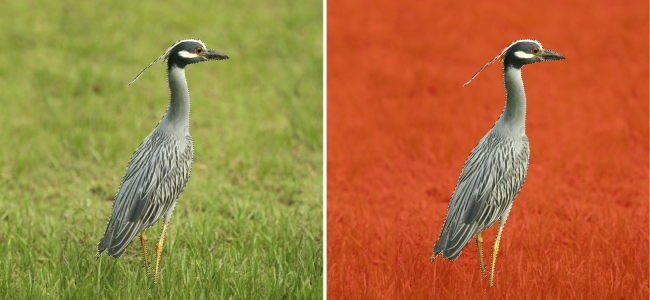
The new Smart Selection Mask tool in Corel PHOTO-PAINT 2020 selects image areas using an algorithm that intelligently expands the selection by finding edges. What’s more, the Mask Transform tool is enhanced so that transformations can now be applied to pixels within a mask. For more information, see To define an editable area based on the edge of a shape or area and To include the pixels of an editable area in transformations.
An editable area based on the edge of a shape created with the Smart Selection Mask tool
It’s quicker and easier than ever to tailor your design environment to best suit the way you work. In just a click, you can switch between options for the entire suite, the active application, or the current document, as well as settings for the default behavior of commonly used tools. For more information, see Choose options.

The features documented in the Help are available in the full version of CorelDRAW Graphics Suite 2020. Some features may not be available in this version of the product.
