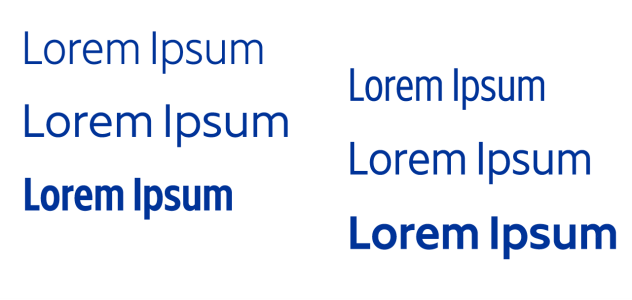
This illustration shows several instances of the Gingham variable font.
Variable fonts are identified by an icon. To find variable fonts quickly, you can use a filter. For more information, see To filter fonts.
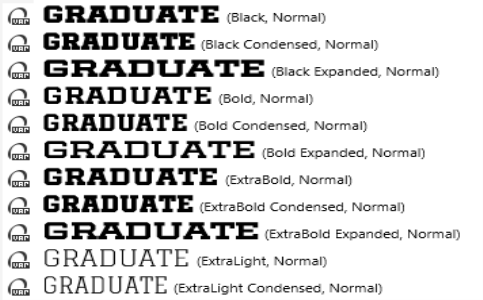
Variable fonts can be identified by an icon.
Variable fonts are OpenType version 1.8 fonts that use OpenType Font Variations mechanisms.
| To adjust variable font properties |

|
| 1 . | Using the Text tool  , select a character or a block of text. , select a character or a block of text. |
| 2 . | Click the Variable fonts button  on the property bar, and adjust any available font properties. on the property bar, and adjust any available font properties. |
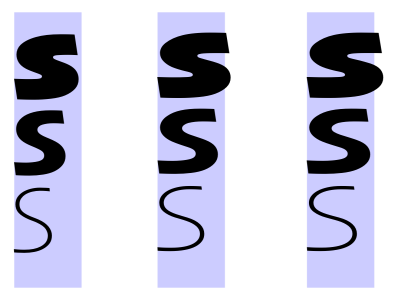
Adjusting a variable font along two axes: width (left to right) and weight (top to bottom).
You can also access the Variable fonts button from the Text docker (Object  Text Text).

The features documented in the Help are available in the full version of CorelDRAW Graphics Suite 2020. Some features may not be available in this version of the product.


