Rotate and flip images
You can change the orientation of an image by flipping or rotating it in the image window. You can flip an image horizontally or vertically to reposition a scanned image or to create unique effects.
When you rotate an image, you can specify the angle and direction of rotation, as well as the paper color that is visible after the image is rotated.
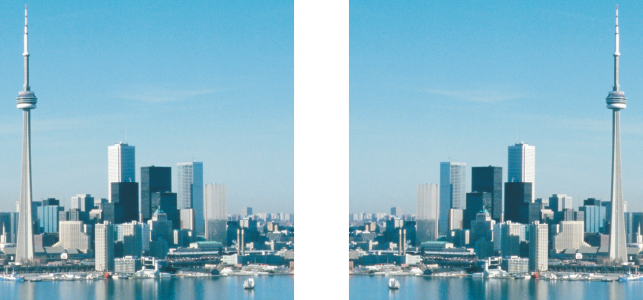
You can mirror an image by flipping it.
To flip an image

To rotate an image

You can rotate an image by clicking Image  Rotate, and clicking 90° Clockwise, 90° Counterclockwise, or 180°.
