Sharpen RAW camera files and reduce noise
You can sharpen RAW camera files to enhance image edges.
RAW camera files may contain luminous (grayscale) and color (chroma) noise that is especially obvious in the darker areas of an image. Luminous noise appears as a "white snow" effect; color noise appears as random pixels of different colors scattered against image areas. You can reduce noise in RAW camera files to improve image quality.
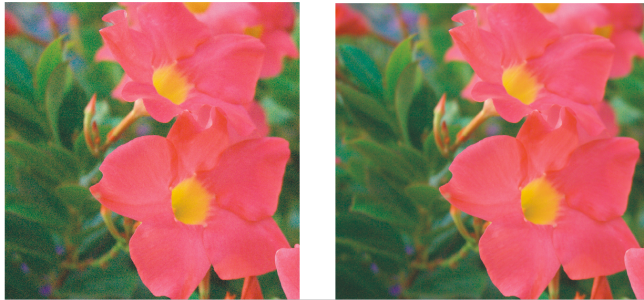
Before (left) and after (right) the amount of noise is reduced in a RAW camera image
To sharpen a RAW camera file


To reduce noise in a RAW camera file
• Color noise — to reduce the amount of color noise. Note that higher settings may decrease the color accuracy of an image.

Adjusting both the Luminance noise and Color noise settings produces better results.