
| • | To modify the border of a selection |
| • | To smooth a selection |
| To modify the border of a selection |
|
| 1 | In the toolbox, click the Selection Adjuster tool  , and then click a selection. , and then click a selection. |
| 2 | From the menu bar, choose Select  Modify Border. Modify Border. |
| 3 | In the Border Selection dialog box, specify the number of pixels for the width of the border. |
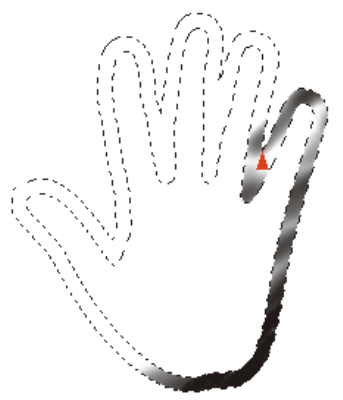
Border selection with airbrush strokes applied
| To smooth a selection |
|
| 1 | In the toolbox, click the Selection Adjuster tool , and then click a selection. |
| 2 | From the menu bar, choose Select Modify Smooth. |
| 3 | Repeat the command from the previous step until the path is sufficiently smooth. |

Selection before (left) and after (right) smoothing
Copyright 2017 Corel Corporation. All rights reserved.
