
| • | To add an object or frame |
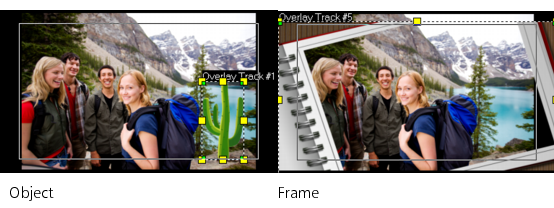
Add decorative objects or frames to your videos as Overlay clips.
| To add an object or frame |
|
| 1 | Select Graphic from the Library panel and choose Object or Frame from the Gallery drop-list. |
| 2 | Select an object or frame from the Library and drag it onto the Overlay Track in the Timeline. |
| 3 | Click the Options tab to open the Options Panel. |
| 4 | Click the Attribute tab to resize and reposition the object or frame. |
| Note: You can also resize an object by double-clicking it on the Preview Window and dragging the yellow handles. |
Copyright 2014 Corel Corporation. All rights reserved. Legal Notice
