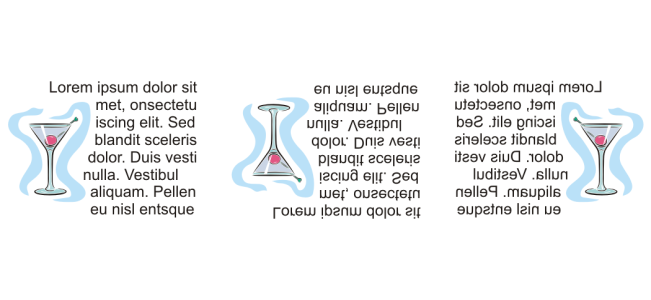
You can shift the characters of artistic and paragraph text vertically or horizontally or rotate them to create interesting effects.You can straighten characters into their original position, and you can return vertically shifted characters to the baseline. You can also mirror or flip artistic and paragraph text characters.
Horizontal character offset — A positive number moves characters to the right, and a negative number moves characters to the left.
•
Vertical character offset — A positive number moves characters up, and a negative number moves characters down.
•
Character angle — A positive number rotates characters counterclockwise, and a negative number rotates characters clockwise.
You can also use the Shape tool to shift or rotate characters. Select the character node or nodes, and then type values in the Horizontal character offset box, Vertical character offset box, or Character angle box on the property bar.
The features documented in the Help are available in the full version of CorelDRAW Graphics Suite 2020. Some features may not be available in this version of the product.


 , select the character or characters.
 Dockers
  at the bottom of the Character area to display additional options.
 to shift or rotate characters. Select the character node or nodes, and then type values in the Horizontal character offset box, Vertical character offset box, or Character angle box on the property bar.
 — flips the text characters from left to right
 — flips the text characters from top to bottom