Resize table cells, rows, and columns


You can resize table cells, rows, and columns. In addition, if you previously changed the sizes of some rows or columns, you can redistribute all rows or all columns so that they are the same size.
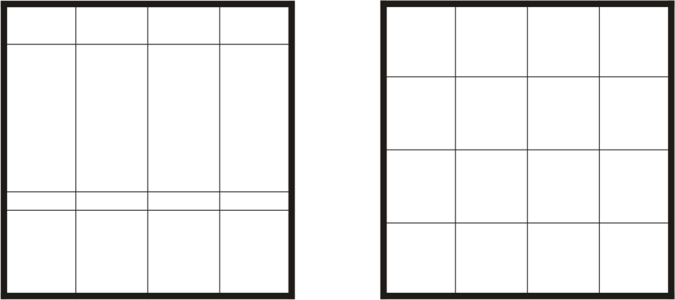
If table rows are different sizes (left), you can distribute them so that they are the same size (right).
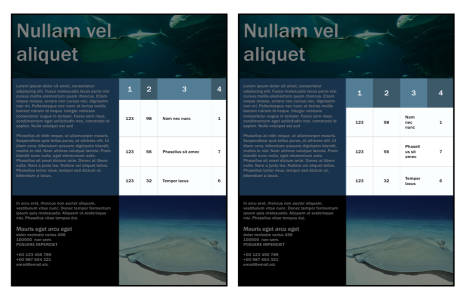
Table rows and columns of different sizes (left) are distributed evenly (right).

To resize a table cell, row, or column

Back to Top
1 Click the Table tool , and then click the table.
2 Select the cell, row, or column that you want to resize.
3 On the property bar, type values in the Table cell width and height boxes.

To distribute table rows and columns

Back to Top
1 Select the table cells that you want to distribute.
2 Perform a task from the following table.


To
Do the following
Make the height of all selected rows the same
Click Table Distribute Rows evenly.
Make the width of all selected columns the same
Click Table Distribute Columns evenly.

Was this page helpful? Send feedback.


Some features documented in the Help are available exclusively to subscribers. For more information about CorelDRAW subscription, visit coreldraw.com.