With its industry-leading file format compatibility, CorelDRAW Graphics Suite X5 provides the flexibility today’s designers need for outputting their work. The same design may be needed for Web banners, printed ads or brochures, and T-shirts, billboards, or digital signs. CorelDRAW Graphics Suite gives you an integrated solution for all types of output.
(New)
The new Collect for output option helps you gather fonts, color profiles, and other file information, making it easier to share your work with a print service provider.
(New)
You can go to print more quickly than ever with CorelDRAW X5, which can be set to automatically synchronize document dimensions with your printer’s paper size (if your printer supports this option).
(Enhanced)
The suite now provides optimization filters that produce consistent, high-quality Web output. In addition, more comprehensive transparency controls let you easily manipulate transparency on the fly.
(New)
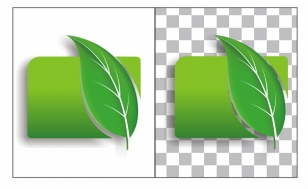
The new Export for Web dialog box provides a single access point for common export controls, eliminating the need to open additional dialog boxes when preparing a file for export. It also lets you compare the results of various filter settings before you commit to an output format, making it easier to achieve optimal results. In addition, you can specify object transparencies and matting colors for anti-aliased edges — all with real-time preview. You can also select and edit color palettes for indexed formats.
You can fine-tune your Web output while previewing the changes in real time.
(New)
With SWiSH miniMax2, you can quickly and easily create stunning interactive Adobe® Flash® animations, banners, and more. SWiSH miniMax2 includes hundreds of multimedia effects that you can apply to text, images, or sounds.

|
Copyright 2010 Corel Corporation. All rights reserved.