You can insert a symbol into a drawing, which creates a symbol instance. A symbol instance can be modified in ways which do not affect the symbol definition in the library. For example, you can modify the size and position of a symbol instance, without affecting the symbol definition. You can also have the symbol instance scaled automatically to match the current drawing scale. For a list of object properties that can be modified in a symbol instance, see Modifying symbol instances.
You can revert a symbol instance to an object or objects while preserving its properties. When a linked symbol, which is stored in a library, is changed, you can update the link to refresh the symbol instances. You can also delete a symbol instance.
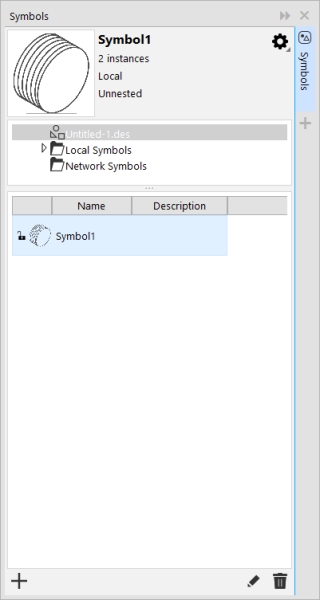
In the Symbols docker, click the active document at the top of the tree view to see symbols in the current document.
To find symbols, browse the Local Symbols and Network Symbols folders in the Symbols docker. The Installed Symbols folder contains all symbol libraries that are included with the application.
If a symbol contains multiple objects, all objects in the symbol instance are treated as if they were a group. You cannot modify individual objects in a symbol instance.
The Update from Link command appears disabled if the linked symbol has not been modified.
You can also click WindowSources and use the Sources docker to update links to symbols. An exclamation mark appears next to objects that need to be updated.

 Symbol
  , and ensure that Scale to world units is enabled.

