View content with the Assets docker
The Assets docker provides three views to help you work with your content. The Local and network assets view shows vector and bitmap images and other assets that are stored in local or network folders. The Cloud assets view shows the files in your Cloud folder, including files that are shared with you. The Linked assets view shows the symbol libraries linked to the active document.
The Assets docker replaces the CONNECT Content docker from earlier versions.
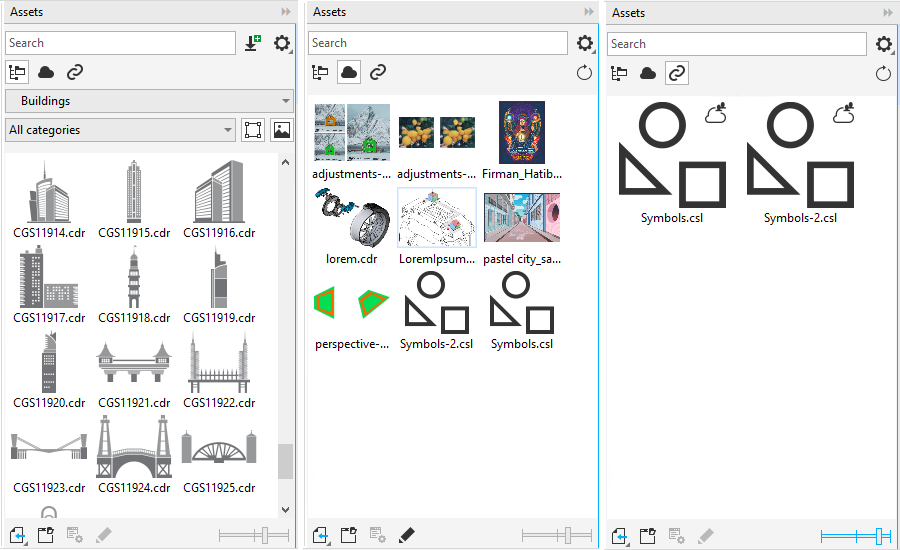
Views from left to right: Local and network assets, Cloud assets, Linked assets
You can view the full name and location of an asset in any view. Also, you can increase and decrease the size of asset thumbnails.
To view assets


 .
. .
.  .
. To view the filename and location of an asset
To adjust the size of asset thumbnails