Paper size
Changing the paper size lets you modify the dimensions of the printable area, which contains both the image and the paper. When you resize the paper, you increase or decrease the paper-colored border, but not the dimensions of the original image. However, if you reduce the paper size so that its height and width are smaller than the dimensions of the original image, the original image will be cropped.
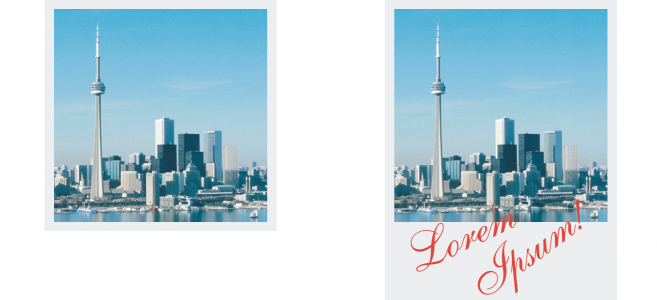
You can change the size of the paper that surrounds the original image.
To change the paper size


 .
.