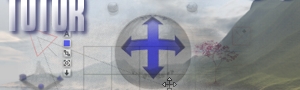
Reposition the camera using camera controls
Camera controls change the position of the camera along the X, Y, and Z axes. They do not tilt or rotate your view. When you hold your pointer over an arm on a camera control, the pointer turns into an axis indicator.
- On the XZ control, drag the Z arrow up to move the camera away from the scene.
- On the XY control, drag the tip of the Y arrow up to move the camera above the scene.
The sphere and torus objects are now easier to see.
 Continue