Quick links to procedures on this page:
• |
You can move curved segments to change an object’s shape. You can also control the smoothness of curved segments.
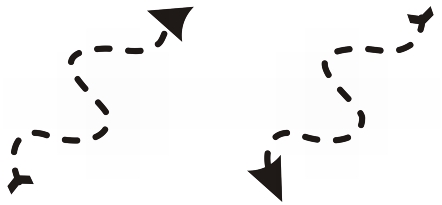
You can change the direction of a curve object by reversing the position of its start and end nodes. The effect is apparent only when the ends of a curve object are different. For example, when an arrowhead is applied to the end node of a curve object, changing the direction results in moving the arrowhead to the start node.
Changing the direction of a curve
| To manipulate the segments of a curve object |  |
1. |
In the toolbox, click the Shape tool
 . .
|
2. |
Click a curve object.
|
3. |
Perform a task from the following table.
|

|
Copyright 2012 Corel Corporation. All rights reserved.
 on the property bar.
 button on the property bar.
 on the property bar.