The Freehand and Polyline tools let you draw freehand lines as if you were sketching on a sketchpad. If you make a mistake while drawing freehand curves, you can erase the unwanted part immediately and continue drawing. When drawing straight lines or segments, you can constrain them to straight vertical or horizontal lines.
The Freehand tool lets you control the smoothness of the curved line you are drawing as well as add segments to an existing line. However, the Polyline tool is easier to use for quickly drawing a complex line that consists of alternating curved and straight segments.
You can choose settings to control how the Freehand and Polyline tools behave. For example, you can change the default smoothness of a curved line that you’ve created with these tools.
The Bézier and Pen tools let you draw lines one segment at a time by placing each node with precision and controlling the shape of each curved segment. When using the Pen tool, you can preview the line segments you are drawing.
The 3-point curve tool lets you draw simple curved lines by specifying their width and height. Use this tool to create arc shapes quickly without manipulating nodes.
You can constrain a line created with the Freehand tool to a predefined angle, called a constrain angle, by holding down Ctrl while you drag. This feature is useful for drawing straight vertical and horizontal lines. For information about changing the constrain angle, see To change the constrain angle.
You can hold down Ctrl in conjunction with Alt to constrain the arc to 15-degree increments or another predefined angle, called a constrain angle. For information about changing the constrain angle, see Constrain objects.
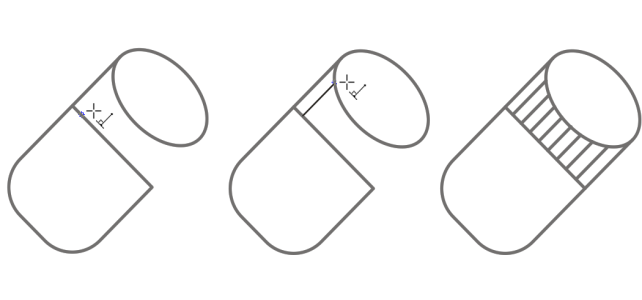
Enable the Preview mode button in the property bar. Click on the drawing page, and release the mouse button. Move the mouse, and click to finish the line.
Enable the Automatically add or delete nodes button on the property bar. Point to where in the line you want to add a node, and click when the pointer changes to the Add nodes state .
The features documented in the Help are available in the full version of CorelDRAW Graphics Suite 2020. Some features may not be available in this version of the product.
 and Polyline
  tools let you draw freehand lines as if you were sketching on a sketchpad. If you make a mistake while drawing freehand curves, you can erase the unwanted part immediately and continue drawing. When drawing straight lines or segments, you can constrain them to straight vertical or horizontal lines.
 and Pen
  tools let you draw lines one segment at a time by placing each node with precision and controlling the shape of each curved segment. When using the Pen tool, you can preview the line segments you are drawing.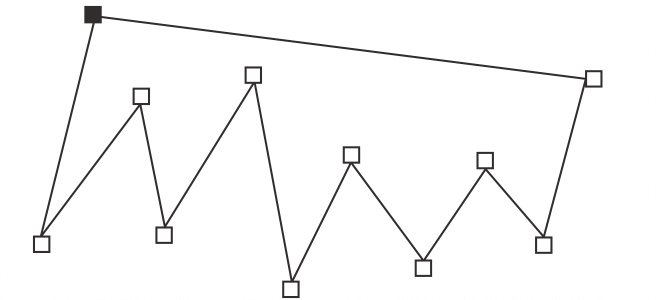
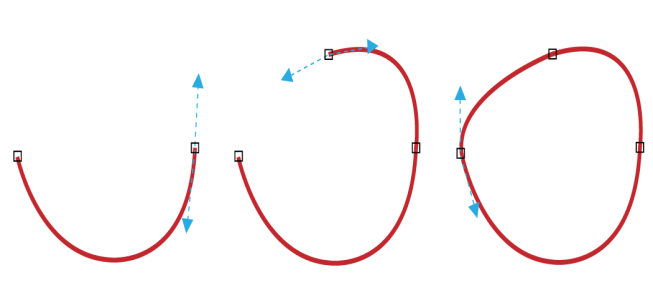
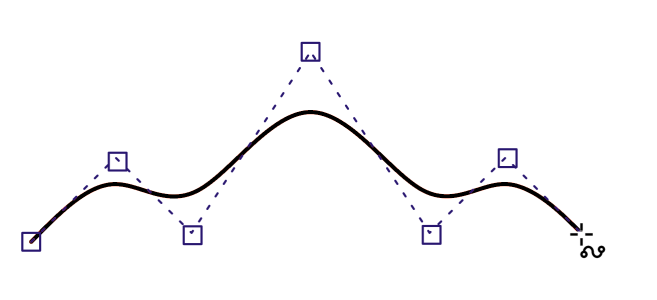
 tool lets you draw simple curved lines by specifying their width and height. Use this tool to create arc shapes quickly without manipulating nodes.
 lets you use shape recognition to draw straight and curved lines. For more information, see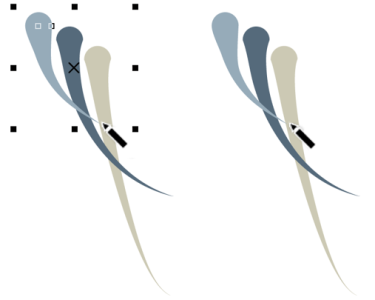


 on the property bar to automatically close an open object.
 .
. button.
 .
.
 on the property bar. Point to where in the line you want to add a node, and click when the pointer changes to the Add nodes state
  .
.  .
. .
. , and reposition the control points to reshape the line.
  on the property bar.
 on the property bar.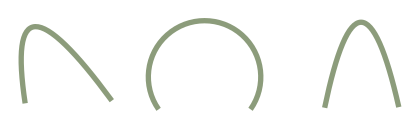

 on the property bar.
