Corel Painter includes a wide array of tools and features that allow you to create original artwork. The purpose of this topic is to introduce you to the most-common Corel Painter workflow and refer you to Help topics that provide more information about the workflow.
You can also start a project from scratch by choosing a paper texture and a brush, and applying color to the canvas.
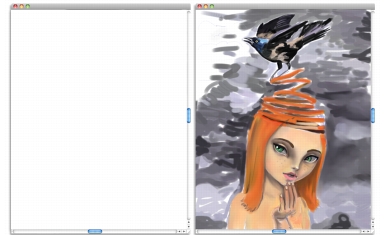
You can start with a blank canvas (left) and use your imagination, and the Corel Painter tools, to create a work of art.
|
Workflow
|
Help topic
|
|---|---|
|
1. Choose a paper texture
|
|
|
2. Choose a brush
|
|
|
3. Choose a color
|
|
|
4. Apply a brushstroke to the canvas
|
 |
Some features described in the Help are available only in Corel Painter 12, and are not included in Painter Lite. Visit www.corel.com/painter for more information about Corel Painter 12. |
Copyright 2012 Corel Corporation. All rights reserved.