Image hose

The Image hose lets you paint with images instead of painting with color. The images flowing from the hose change as you make a brushstroke. You can modify the appearance of the default Image hose elements or create your own set of images so you can paint with a unique image series.
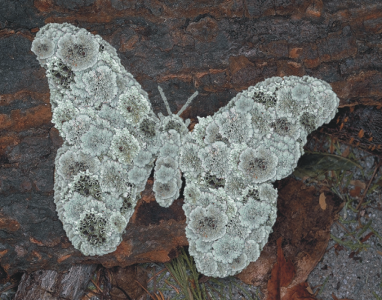
The Image hose allows you to paint with images.

This section contains the following topics:

• Painting with the Image hose
• Adjusting the opacity and color of image hose elements
• Adjusting the size and spacing of image hose elements
• Indexing nozzle files
• Understanding nozzles, ranks, and indexing
• Creating a 1-Rank nozzle
• Creating a 2-Rank nozzle
• Creating a 3-Rank nozzle
• Loading and managing nozzle files
• Creating a nozzle from a movie

Was this page helpful? Send feedback.